Avatar
GuidelinesAn avatar shows the signed-in person's initials on a convex disc.
KSigned in as operator
Every Soft Console component, live, loading the kit from dist/. Switch the palette, density and mode at the top. Each card links to its guidelines.
An avatar shows the signed-in person's initials on a convex disc.
A breadcrumb shows the trail to a nested page.
A disclosure is a row that opens to reveal more detail.
Three complete healthy execution shadow market sessions required.
Snapshots from the last 30 days, newest first.
A panel is the raised container that holds one instrument, chart or list, with a title row on top.
Average of 6 sensors, sampled every 250 ms.
A side nav is a labeled navigation rail; the current page presses in like a selected segment.
Surface classes give any element its height in the one Soft Console material: raised, pressed or recessed.
Buttons are raised controls that press into the surface when clicked and stay pressed while toggled on.
A dialog is a raised panel floating over a shade scrim, for confirmations and short details.
Monitoring stops. Existing broker orders and positions persist.
Monitoring stops. Existing broker orders and positions persist.
Icon buttons are square raised controls for navigation and tool actions; the selected one presses in, lights up and gets the accent underline.
A save bar closes every editable unit (a settings form, a file, a draft) with the same unsaved state, Discard and primary Save.
Checkboxes and radios are small recessed wells; a checked box shows an accent-text check and a chosen radio an accent-mark dot.
A segmented control picks one value from two to five short options, such as a time range or a view.
A switch turns a setting on or off immediately; the knob carries a thin ring just inside its edge that turns accent-mark when on (the accent in dark, a deeper accent in light so it reaches 3:1).
A toggle group is a segmented control in which each option turns on or off on its own.
Fields are recessed inputs for text, numbers with units, and selects.
A file field is a file picker drawn as a recessed well, with a small raised Choose file button.
ZIP, up to 50 MB.
A form row puts a visible label above any control, then an optional hint or error.
The jog wheel sets a number by dragging, scrolling or using the arrow keys, and shows it on a reflective segment display.
A slider sets a value in a range; the track is recessed, the filled part is accent, and the knob carries the accent-mark ring.
A text area is a multi-line recessed field for documents and JSON.
An alert list shows open alerts newest first, each with a severity badge, a plain-language title, its scope and its age.
A callout is one inline message: a save error, a notice or an import result.
Configuration changed on the server. Reload to see the current values.
Jackal X post · 9,835 characters saved as source evidence.
3 of 17 snapshots were skipped.
Status chips pair an LED with a word so a state reads at a glance and never by color alone.
A toast is a short confirmation pill at the bottom center of the screen.
A tooltip shows help text on a small raised bubble when a ghost icon button is hovered or focused.
A dial gauge shows one live value against its range with a tick ring, a glowing accent arc and the number on a raised hub.
Meters are thin recessed tracks with a colored fill, used in lists of rails, resources or quotas.
Segment displays show one important number in seven-segment digits, with unlit segments faintly visible like real glass.
A code block is a recessed mono block for JSON and logs. A quote marks an exact source quotation.
{
  "equity": "500",
  "buying_power": "500"
}
Exact source quotation, kept in its original language.
Limits live in config.json.
Data tables list records on the flat surface with hairline rules, mono numbers aligned right and status as LED plus word.
| Node | Status | CPU | Temp | Uptime |
|---|---|---|---|---|
| edge-01 | Online | 64% | 41.2 °C | 41d 06h |
| edge-07 | Offline | — | — | — |
| edge-12 | Degraded | 88% | 58.1 °C | 12d 02h |
| edge-18 | Syncing | 23% | 36.8 °C | 0d 00h |
A KPI tile shows one headline number with its label, its change and a sparkline of recent history.
Line charts plot up to four series in a recessed well, colored by the chart's job: accent-led when one series matters, categorical when series are peers.
List rows are flat, rule-separated rows that each open something: a service, a job, a record.
Readouts show related values with the label engraved on the panel and the reading in a recessed window.
Segment bars draw a read-only bar graph as a level meter on a segment display's glass, with a seven-segment readout of the total or the column under the cursor.
A lightbox enlarges one image or video on a floating panel over the scrim, as large as the screen allows.
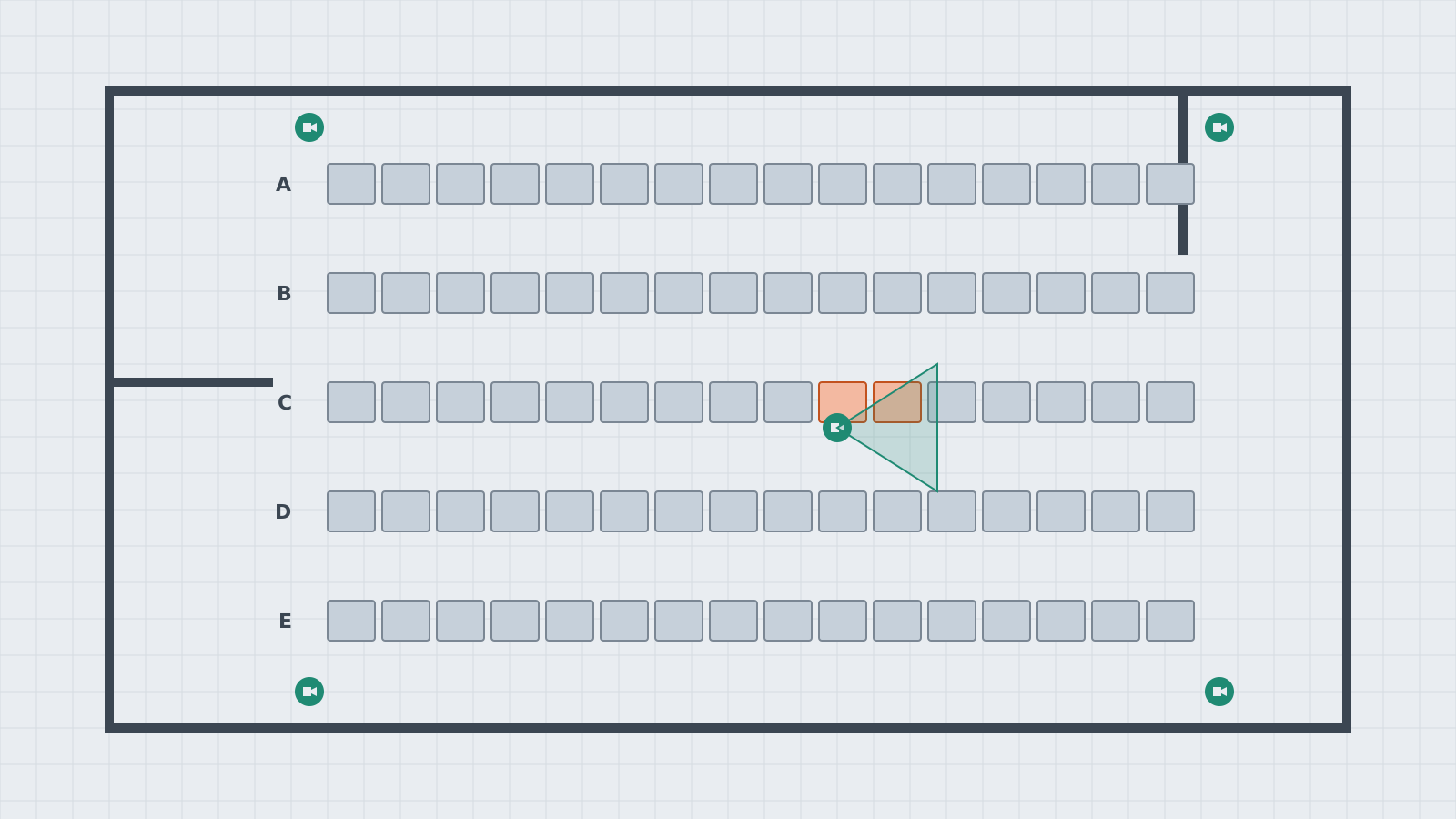
A media frame sets a picture or video into the panel in a recessed window, so it reads as content the panel holds.
A media player is one compact row: play, a seek bar with a thin handle, the time, and mute. Audio seeks on a waveform.